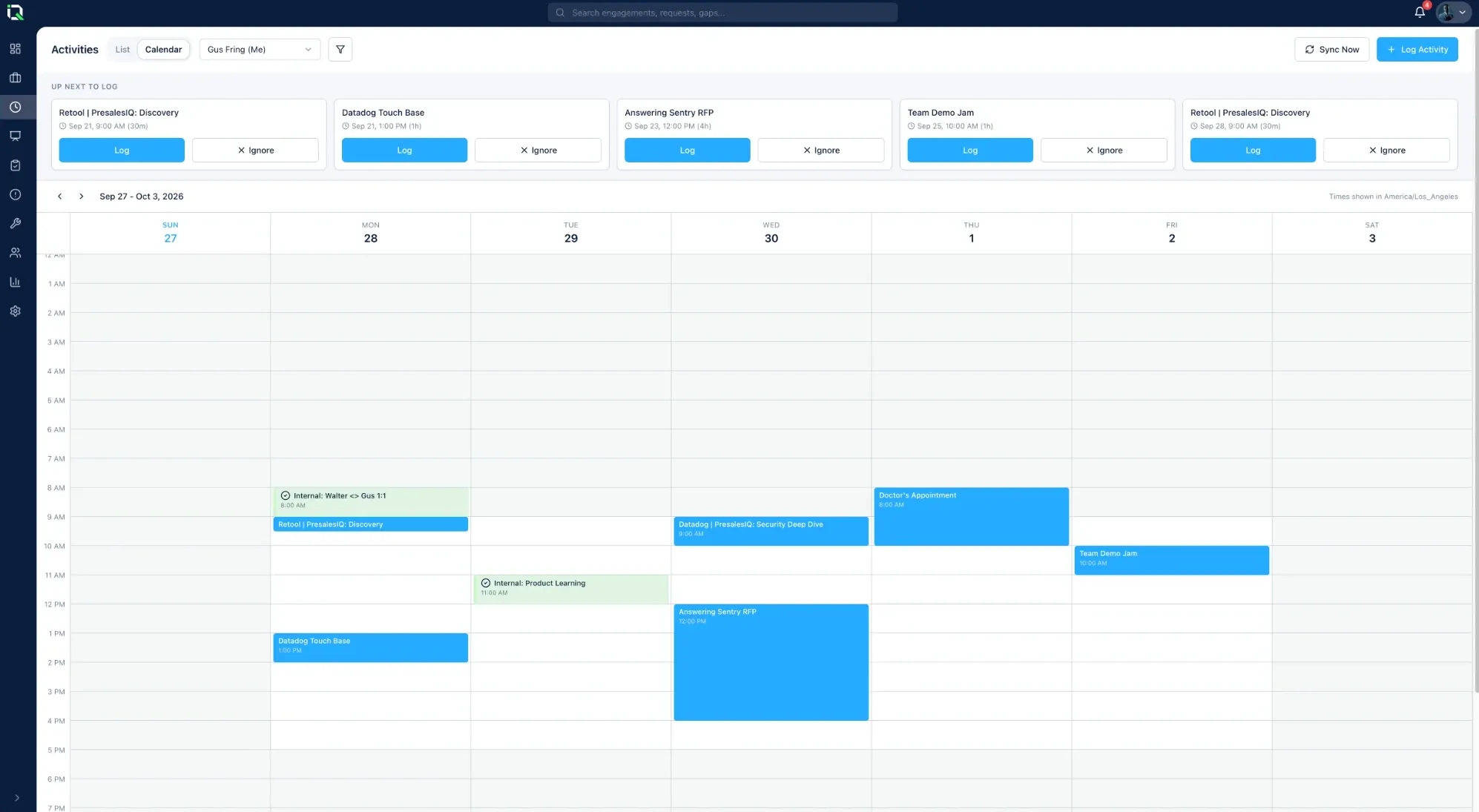
Your calendar logs itself.
Customer meetings sync from Google or Microsoft Calendar and line up to be logged against the right deal in one save. You see where your team's time goes, without the Friday-afternoon scramble.
Activity tracking nobody has to chase
Log a meeting in one save
A To log list sits beside the calendar. Log before the meeting happens, or log a batch at once as suggested.
Changes flagged
When a logged meeting moves, shortens or is cancelled, whoever logged it hears about it. Meetings deleted in the calendar are removed.
Costs per engagement
Add costs to activities and see the total on every engagement.
Join links stay private
Meeting join links are never shown to the rest of the team.
Questions teams ask
Which calendars does PresalesIQ support?
Google Calendar and Microsoft Calendar. Each person connects their own.
What if a meeting changes after it's logged?
Whoever logged it is flagged when the meeting moves, shortens or is cancelled. A meeting deleted in the calendar is removed in PresalesIQ.
Can we log a meeting before it happens?
Yes. Log it ahead of time, or log several at once as PresalesIQ suggests.
Keep exploring: Dashboard · Engagements · Integrations
See every technical win before the forecast call.
Every deal, every risk and where the technical win stands, on one live screen. Thirty minutes is all it takes.